
Best iPad for Graphic Design
When it comes to acquiring an Apple iPad, graphic artists have a few options. Choosing and shopping for the best iPad is like being a kid in a sweet shop, as there are many options. Apple’s iPads have been getting updated fully across the board, and doodling on them has gone from just being a fun curiosity to one of the best digital art activities available.
iPads have gotten power boosts in many locations, but not everyone can afford the most updated technology. Still, an earlier iPad can be a wonderful budget-friendly drawing pad. To help you find the best one available for your personal needs, we created a detailed list comparing all the possible options in the market.
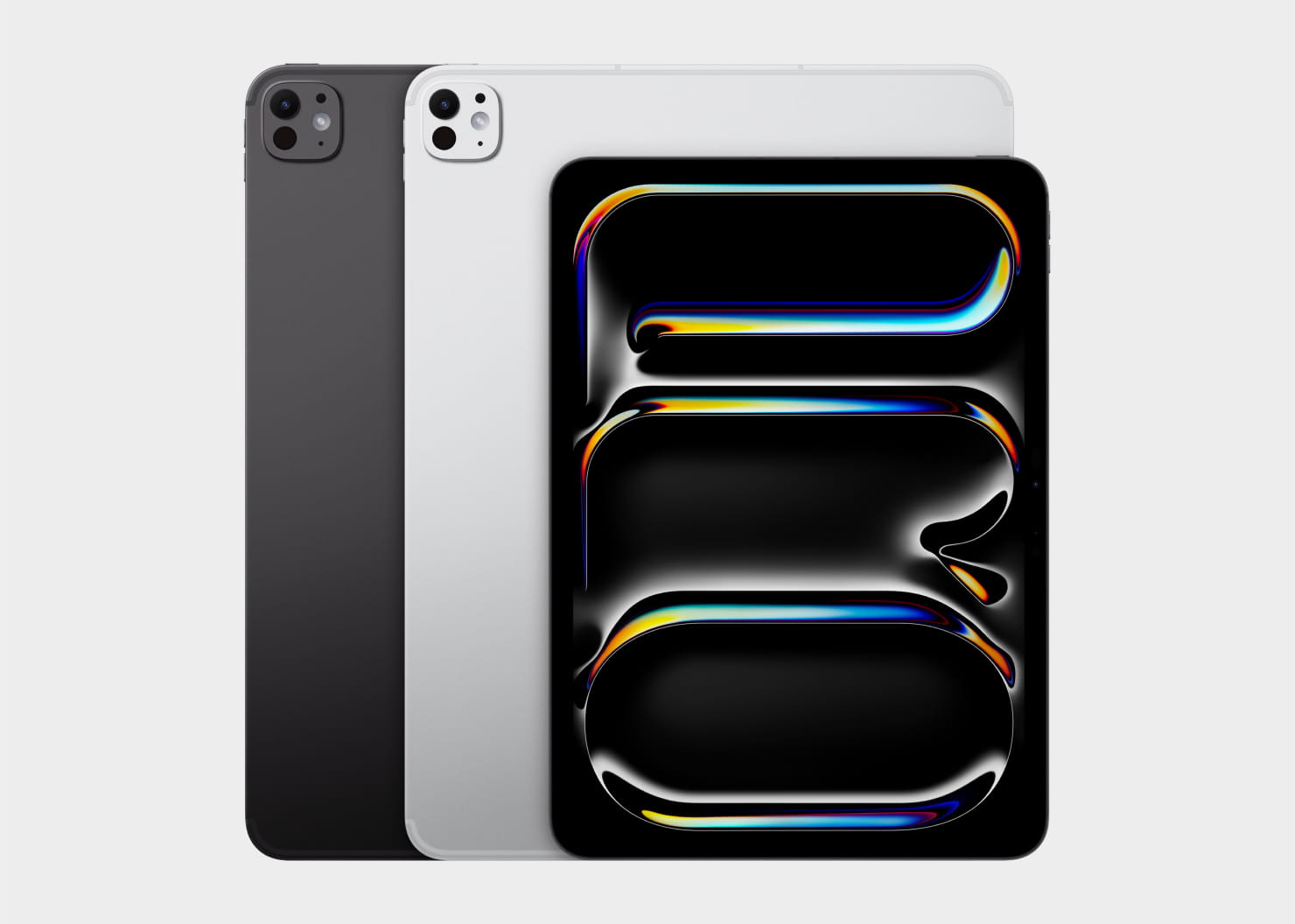
Apple iPad Pro (M5): The Most Powerful iPad for Designers
The 2025 iPad Pro equipped with the M5 chip is Apple’s most advanced iPad to date and a top choice for professional graphic design, motion graphics, large-scale illustration, and complex 3D workflows. Both the 11-inch and 13-inch models share the same internal specifications—your only decision is screen size and portability. If you wish to compare more than two different models, you can also use Apple’s comparison tool for a more in-depth technical overview.
Why graphic designers will love it:
- The new M5 chip architecture dramatically improves CPU, GPU, and Neural Engine performance. Rendering operations, AI-assisted tools, vector transformations, and large multi-layered files run smoother than ever.
- Improved storage bandwidth means near-instant file opening and faster import/export for large project files. Upgraded Wi-Fi 7 and Bluetooth 6 ensure stable, high-speed connections with accessories and cloud workflows.
- The ProMotion display (up to 120 Hz) preserves accuracy for line-sensitive stylus work. Designers working in animation, character design, or UI prototyping will appreciate the fluidity.
- Best use with Apple Pencil Pro, as its tilt, rotation, and precise pressure response make this combo ideal for advanced digital artists.
Wondering which size is better, 11-inch or 13-inch?
- 11-inch—better portability, great for illustrators on the go.
- 113-inch—nearly laptop-level workspace, perfect for detail-heavy illustration, typography, or multitasking.
Ideal for: high-end professionals, concept artists, 3D previsualization, animators, designers using demanding vector or raster apps, and creatives who want the best performance Apple offers.
Concerns: price.
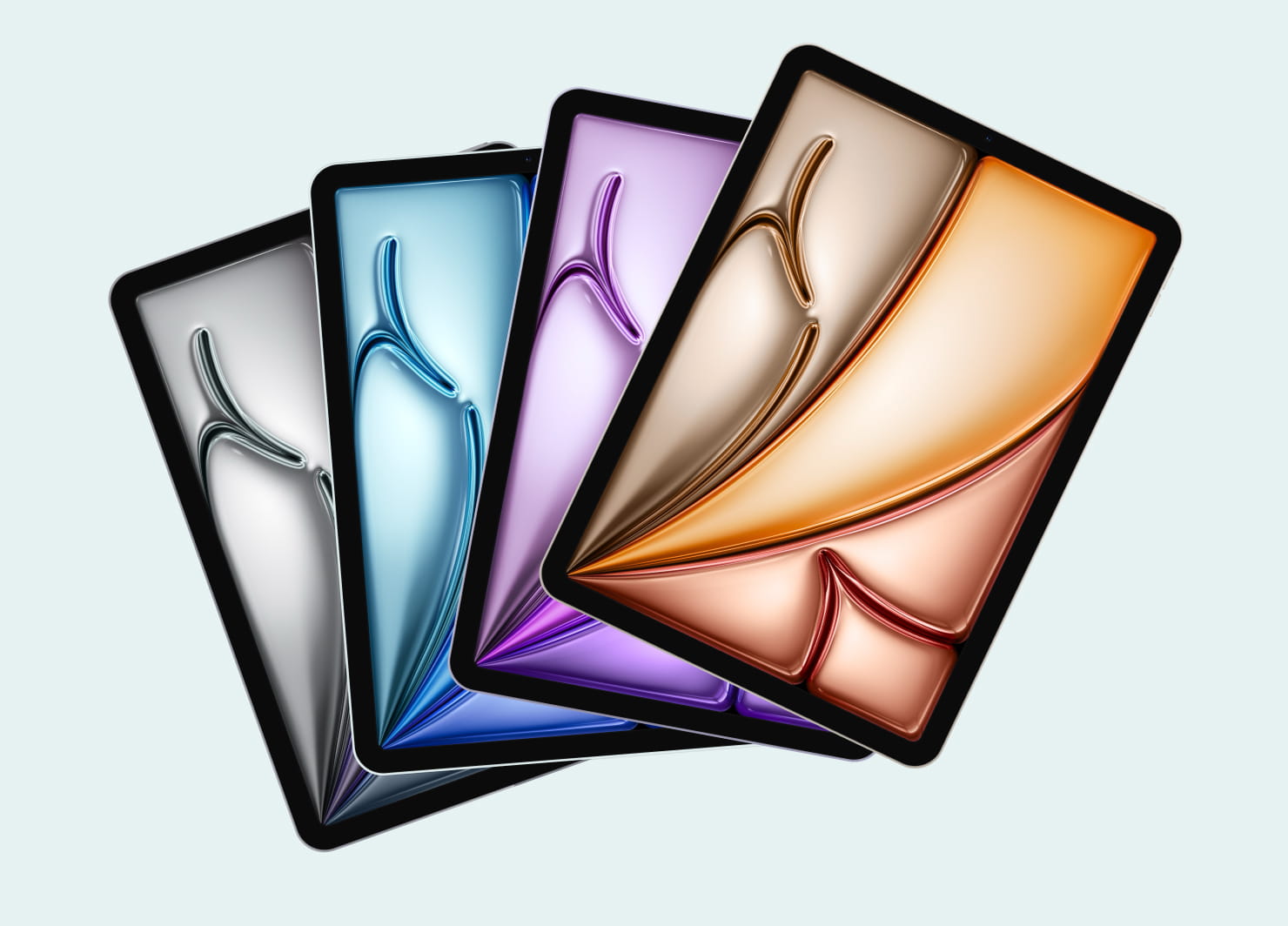
iPad Air (M3): The Sweet Spot for Most Designers
The 2025 iPad Air (M3) offers a major leap in performance, thanks to Apple’s M3 chip and support for the new Apple Intelligence features. It bridges the gap between affordability and power, making it ideal for both aspiring designers and working professionals.
Why it stands out:
- M3 chip provides for the smooth handling of multi-layer projects, vector art, high-resolution canvases, and even moderate 3D model manipulation.
- AI-powered features—such as image cleanup, smart selection, content-aware fills, and contextual tools—help speed up creative workflows.
- Lightweight but capable device, a great balance of size, weight, and speed for designers who move between studios or work in hybrid environments.
Ideal for: students, freelancers, small studio designers, and digital artists who need excellent performance without the premium price of the Pro.
Concerns: may not be powerful enough depending on the proficiency of tasks.
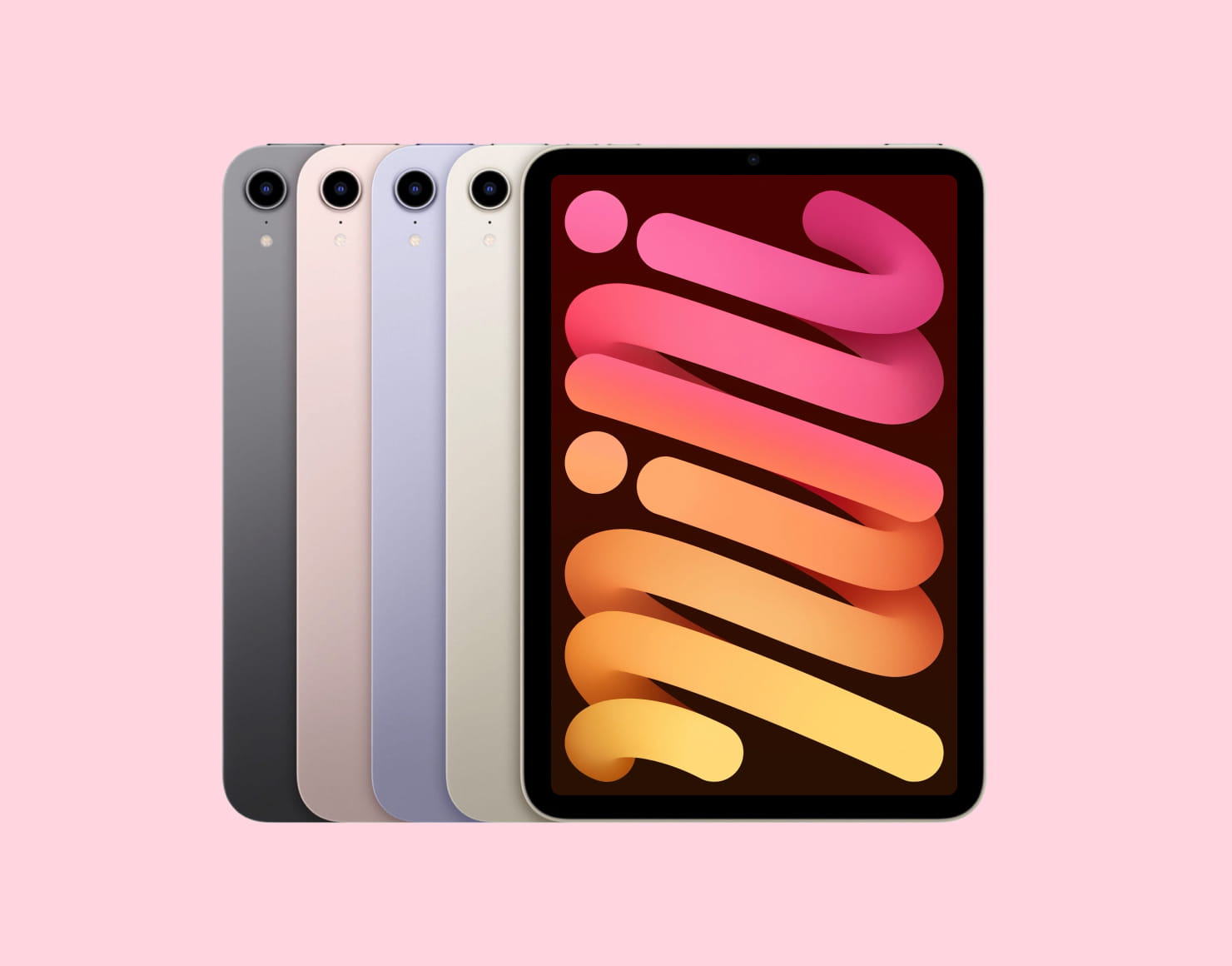
iPad mini: The Perfect Portable Sketchbook
The iPad mini remains the most compact iPad—a dream tool for illustrators who love spontaneous sketching, plein-air drawing, and UI designers who prototype on the go. This option contains an A15 processor, a True Tone display, and the Apple Pencil 2 compatibility. Though you can always opt for an Apple Pencil alternative to save some resources.
Why designers choose the mini:
- Portable, one-hand friendly, easy to slip into any bag and ideal for quick ideation.
- A great match with Apple Pencil, as it feels like drawing in a pocket notebook—perfect for thumbnailing, drafting, or creative journaling.
Ideal for: sketch artists, product designers brainstorming concepts, UX designers wireframing in transit, and anyone who prefers a small canvas for ideation.
Concerns: for its size, it is quite pricey and there is no support for smart connectors.
iPad (11th generation): The Best Budget Option for Graphic Designers
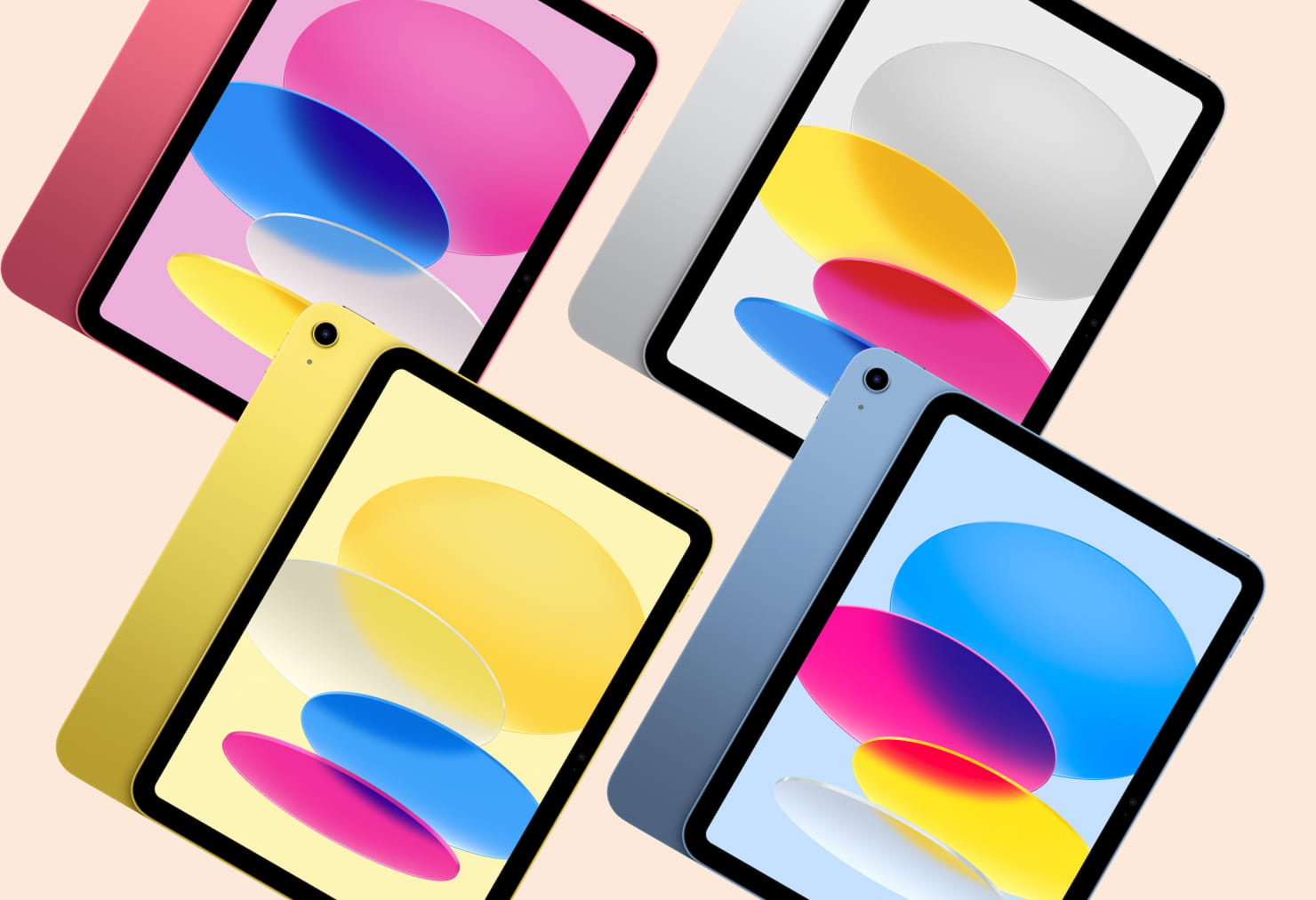
The 2025 iPad (11th generation) upgrades the entry-level model substantially with the A16 chip, improved performance, and a better camera system. The perfect on-a-budget solution for anyone who wants to try out designing without being a hundred percent sure it will become the vocation of a lifetime.
Why it’s a strong starting point:
- A16 performance boost allows to run modern design apps comfortably—perfect for beginners or hobbyists.
- Improved camera is useful for capturing reference material or textures to incorporate into your artwork.
- Great price-to-value ratio makes digital art and graphic design accessible to more creatives.
Ideal for: beginners, casual designers, students, or anyone wanting to explore digital art without a major investment.
Concerns: not the best option for professional use.
Conclusion
Apple’s 2025 iPad lineup brings meaningful performance gains across every price tier—especially with the arrival of the M5-powered iPad Pro and AI-supported iPad Air (M3). Whether you prefer a compact sketchpad or a full creative workstation, there’s an iPad ready to elevate your work.
Users can design and create using an iPhone, but not as conveniently, as it has a small screen and cannot pair with the Apple Pencil. But since the possibility of syncing the work on all Apple devices is important to many designers, Amadine offers a version for iPhone as well. And don’t forget that the experience of drawing with a pressure sensitive stroke can also be achieved with the Mac version of the app, as you can always connect a Wacom or any other drawing tablet to your Mac and enjoy drawing with the digital pen.
No matter which one you choose, pairing your iPad with a powerful design app like Amadine will unlock its full potential, ensuring that every canvas, vector curve, or illustration becomes a seamless part of your creative process.